Drag a sticker onto the laptop, bottle or phone.
Give your stuff a way home.
Put a scaniflost sticker or key tag on the things you’d hate to lose. Whoever finds them scans the code and messages you, without ever seeing your phone number, email or address.
- Secure paymentCard or Apple Pay, via Stripe
- Free UK deliveryPosted from the UK
- Tags free£1.50 a month, cancel any time
- 14-day returnsUnused tags, full refund
How it works
Put a sticker or key tag on anything you’d hate to lose.
See what happens when someone finds your stuff
Pretend you just found this bag. Scan the code to see what a finder sees, send the owner a message, and read the email they get back. It takes about thirty seconds.
Walk through it right here
Find a bag, message its owner, and see the email they get.
Or scan it for real
Point a phone camera at this code. It’s exactly what a finder does, with no app and nothing saved.
This is the same page a real finder lands on, with a made-up item so nobody is contacted.
What are you protecting?
One scan lets the finder contact you privately, whatever they’ve picked up.
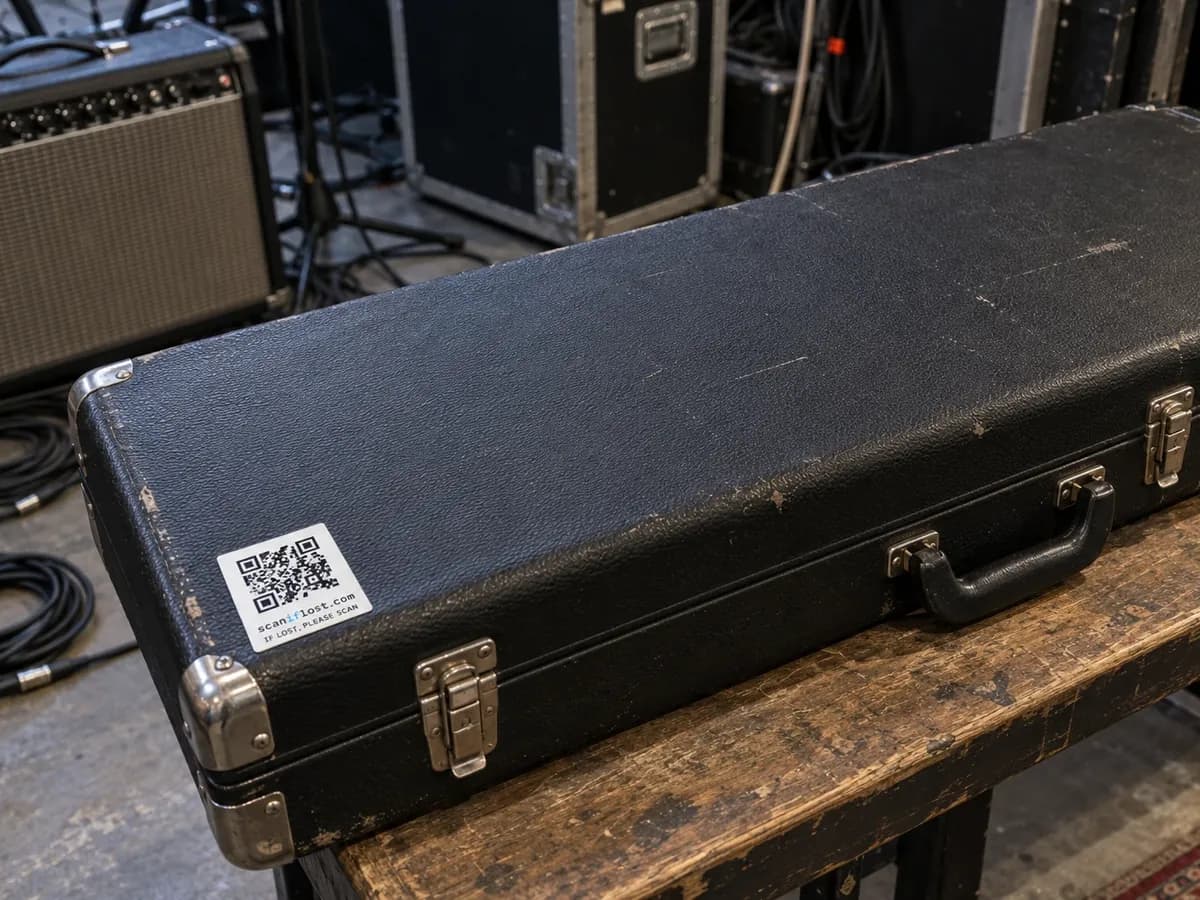
Packed up after the gig. Minus one case.
A sticker on the lid means whoever finds it can tell you where it is.
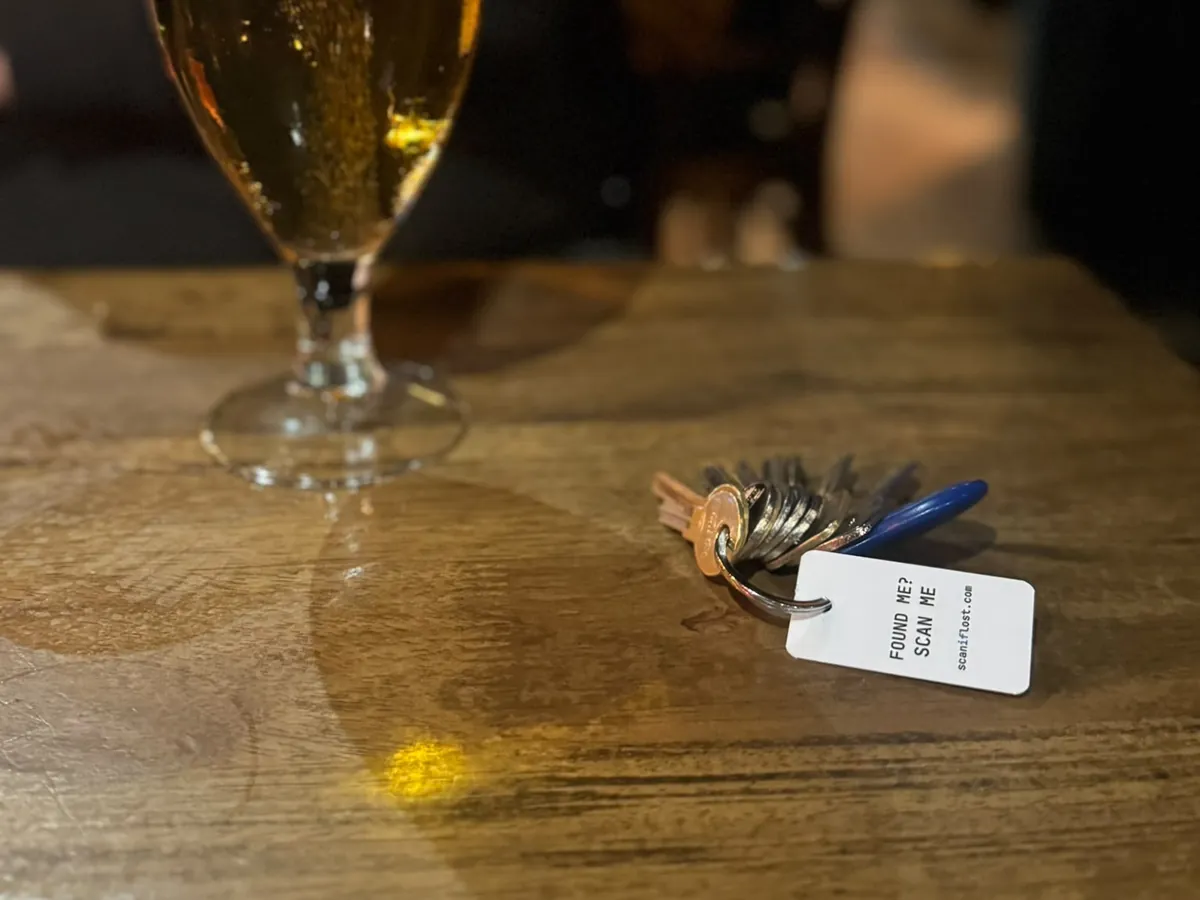
Someone found your keys. How are they supposed to find you?
There's no name or address on them, just a code they can scan to reach you.
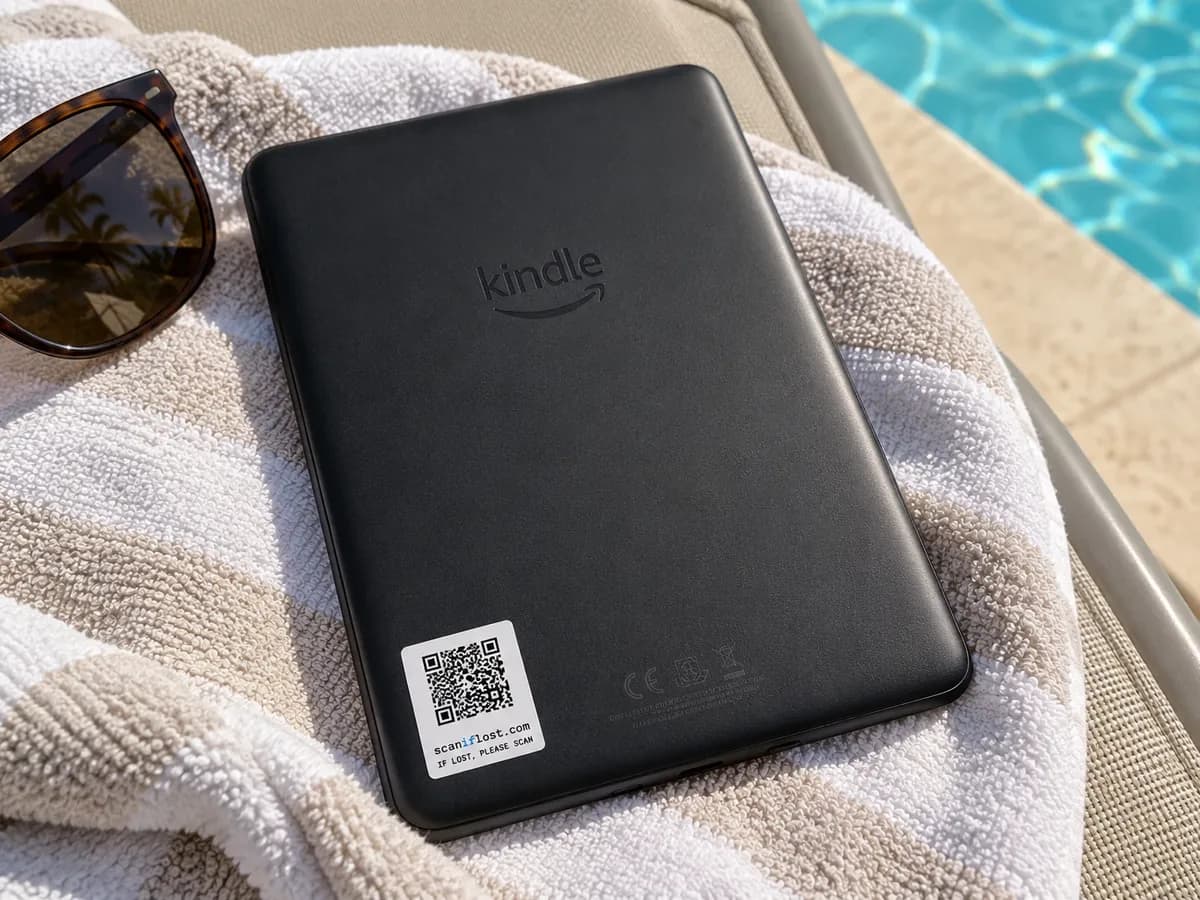
Still on the sun lounger. You're at the airport.
A sticker on the back turns a lost Kindle into a message from whoever picked it up.
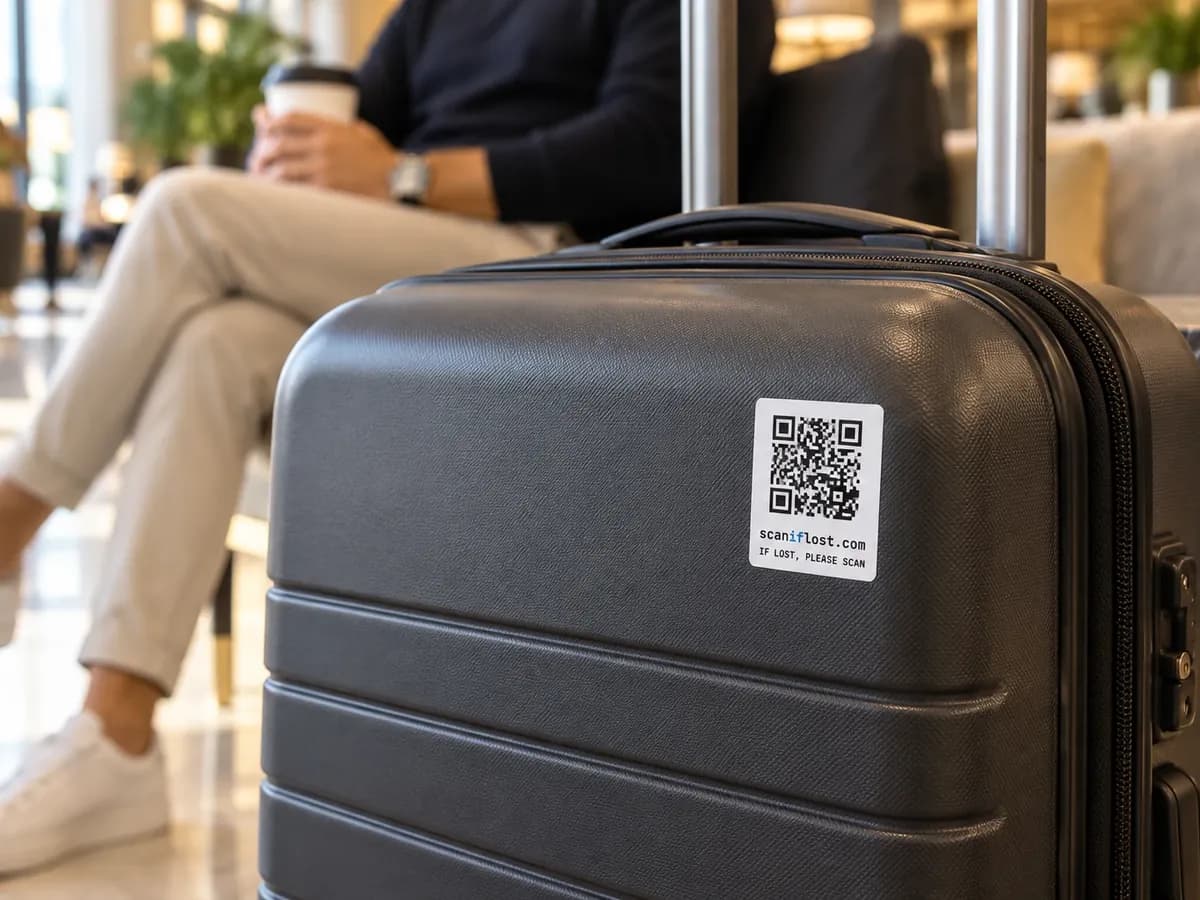
Your suitcase ended up somewhere you didn't.
Baggage handlers, hotel desks and taxi drivers all have a phone camera.
Choose your tags
Your first key tag or sticker is free. 99p for the first month, then £1.50 a month keeps every code on your account working, however many tags you add. Cancel any time. Free UK delivery.
QR key tag
A tough key tag for the things you'd hate to lose most.
Free as your first item, then £1 per extra key tag
None yet
Water-resistant QR sticker
Water-resistant QR stickers for laptops, phones, bottles, cases and bags.
Free as your first item, then £0.80 per extra sticker
None yet
Your basket
Nothing yet. Choose a key tag, some stickers, or both.
- Merchandise subtotal
- £0
- UK delivery
- —
- First month's membership
- —
- Today
- £0
- Then monthly
- —
Secure payment by Stripe. Your membership (99p for the first month, then £1.50 a month) renews until you cancel it.
By continuing you agree to our Terms and Returns policy.
- A unique QR code for every tag
- No app, any phone camera opens it
- Private messaging, your details stay hidden
- Free UK delivery
- Codes added to your account as we pack them
- Cancel any time
Will my personal details be visible?
No. That’s the main reason to use a scaniflost tag instead of writing your number on a luggage label. Nothing personal is printed on the tag, and nothing personal is shown on the page it opens.
A finder sees
- What the item is
- Your first name
- Whether you've reported it lost
A finder never sees
- Your surname
- Your email address
- Your phone number
- Your address
Messages pass through scaniflost in both directions. If you want to swap numbers to arrange a handover, that stays your decision. How we handle your data.
Questions people ask
What happens if someone scans my tag?
Does the finder see my phone number or email address?
Do they need the scaniflost app?
Can I move a tag between items?
What does the membership cost?
What happens if I cancel my subscription?
How long will my QR code work?
Put a code on it before you need it.
Your first key tag or sticker is free. Free UK delivery. Your codes go live the moment you've paid, you can name what each one protects while the post is still on its way.
Free UK delivery. £1.50 a month, cancel any time.
Buying for a business?
Corporate orders from 50 stickers, at lower prices, in your own colours if you want.